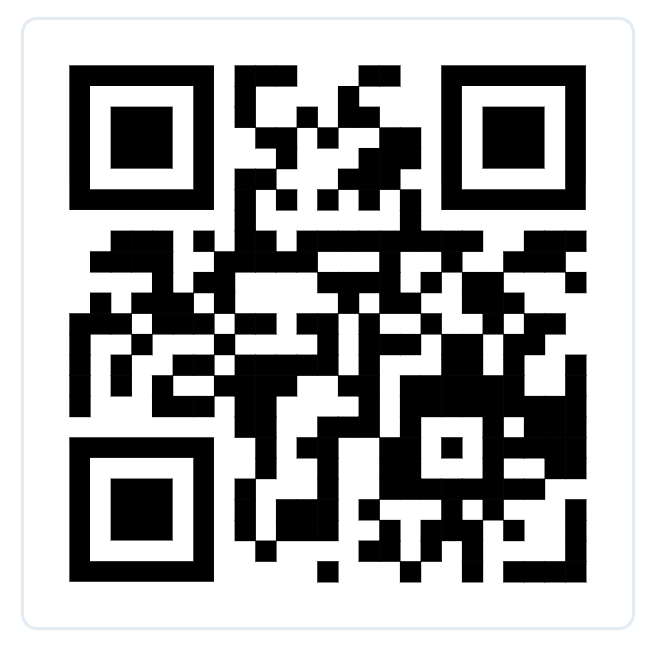
Download the app
Install the i-Reserve Scanner App on iOS or Android.


Test the E-ticket Scanner App without a production E-ticket license and walk through all demo scenarios step by step.
Open the app, pair it using the QR code, and then scan the test cases below. This lets you verify all expected outcomes without using production data.
Important: the pairing QR grants app access for this user and must be treated like a password. Do not share it outside your test team.
Install the i-Reserve Scanner App on iOS or Android.
Open the scanner app and scan the pairing code. This links the app to this demo user.
Use the QR cases below to test all validation paths in the app.

These are the 3 primary scenarios with direct expected result previews.
T_1
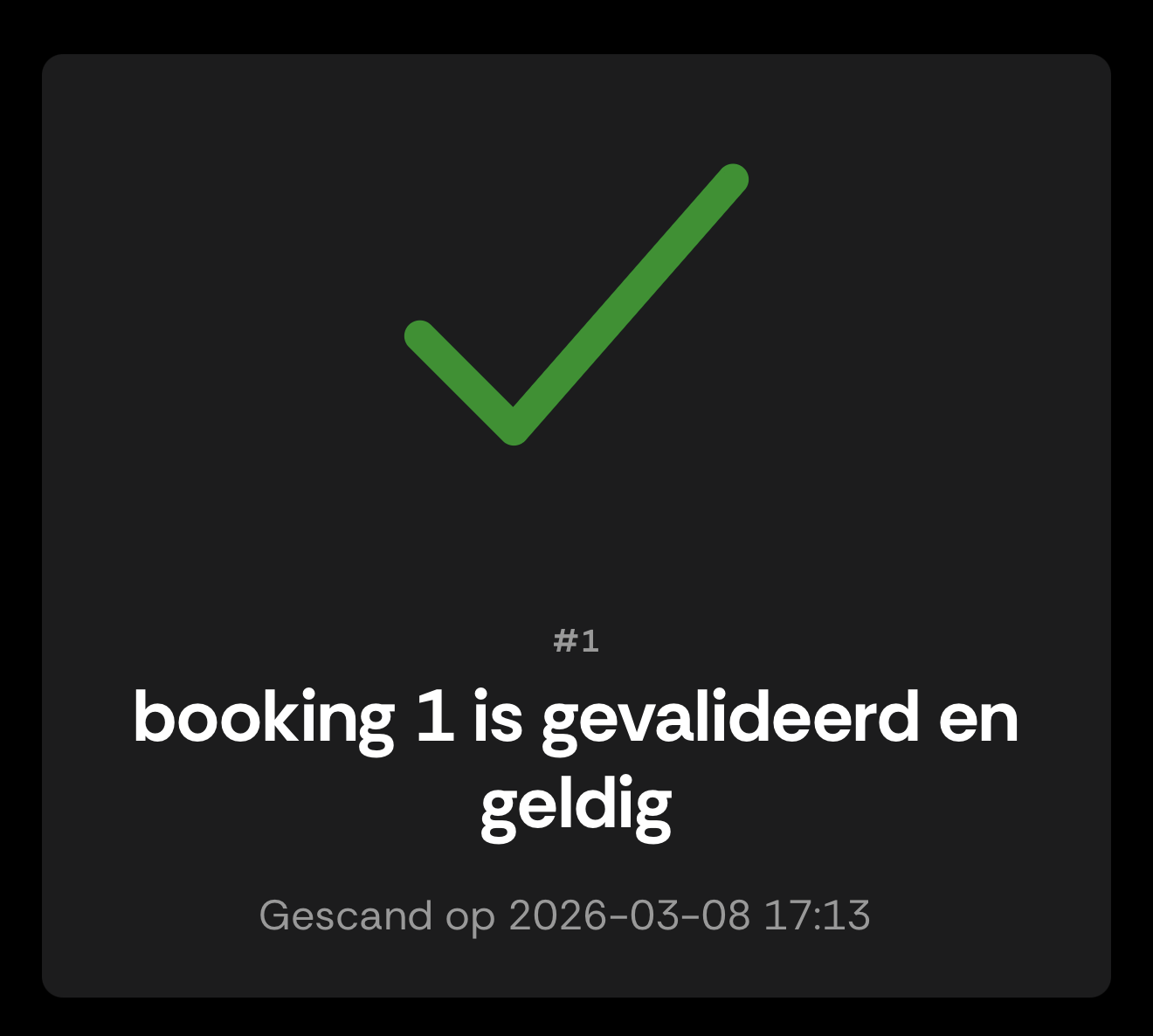
Functional case: valid e-ticket (happy flow) in test mode.
Expected: status 1 (validated), without warning. In this demo, repeated scans of T_1 also return status 1.
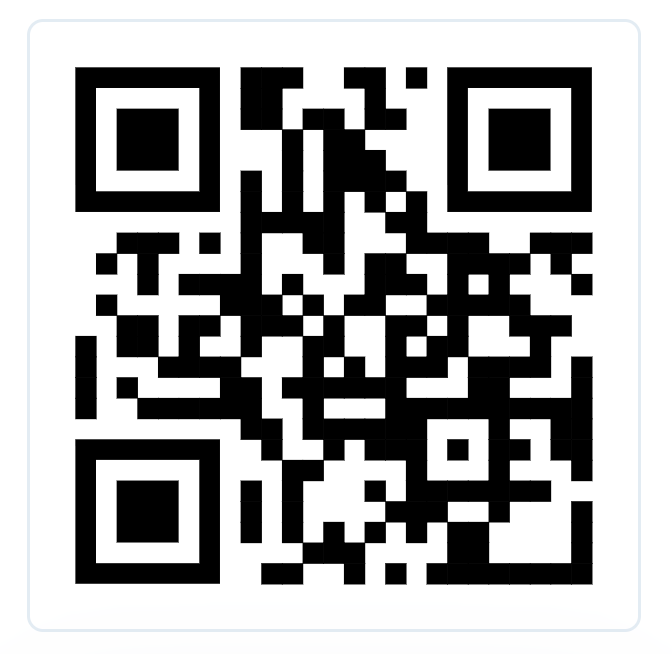
Expected Result
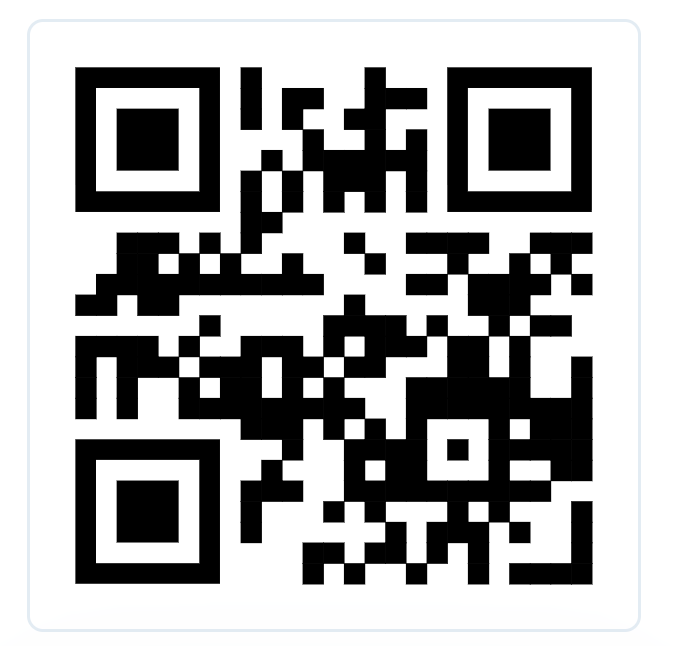
T_20
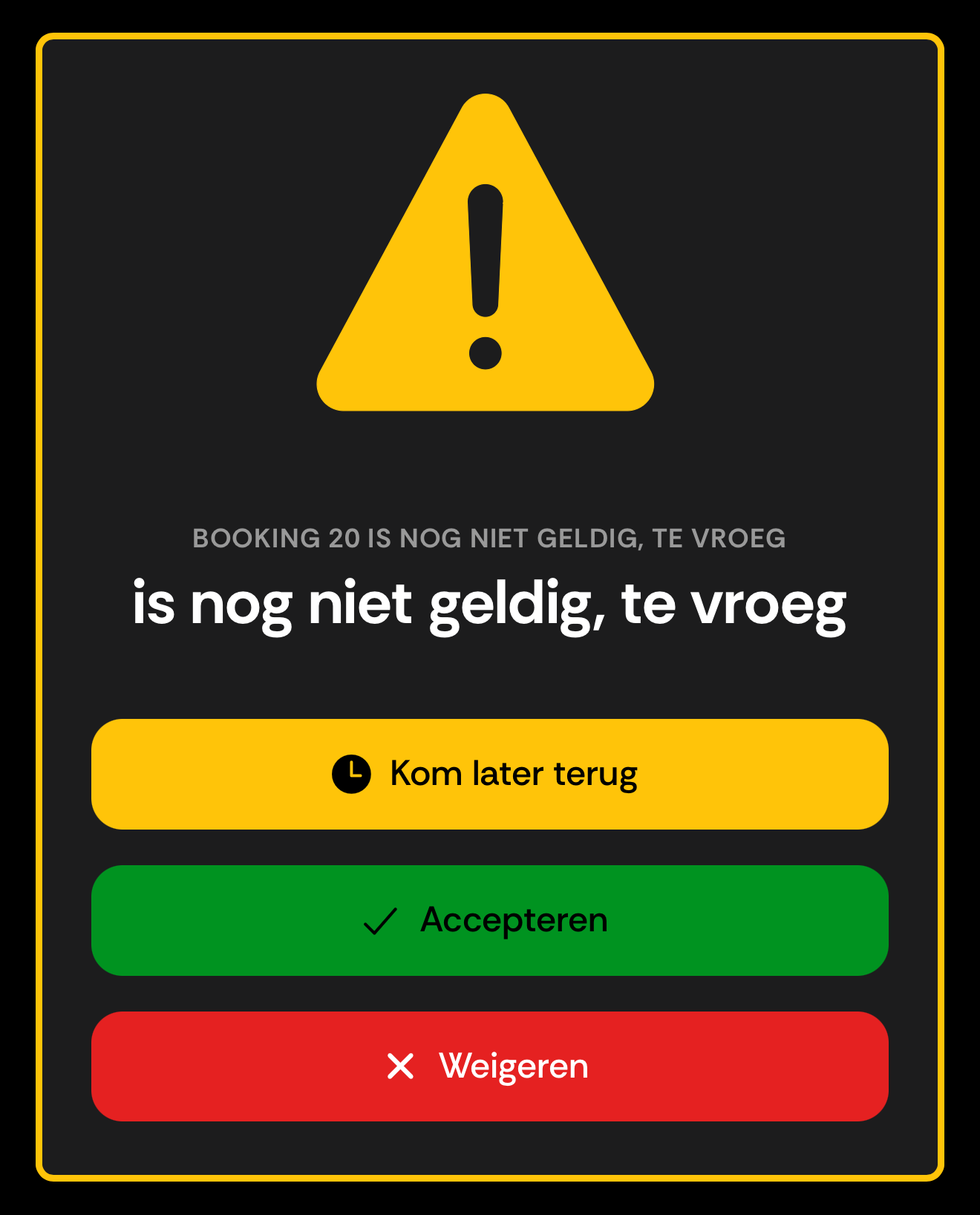
Functional case: scanned too early (soft warning, not yet inside allowed timeslot).
Expected on scan:
status 1
with warning
too_early
and actions
postpone
,
accept
,
decline
.
Expected on action:
postpone
-> status 1,
accept
-> status 1,
decline
-> status 99.
Expected Result
T_99
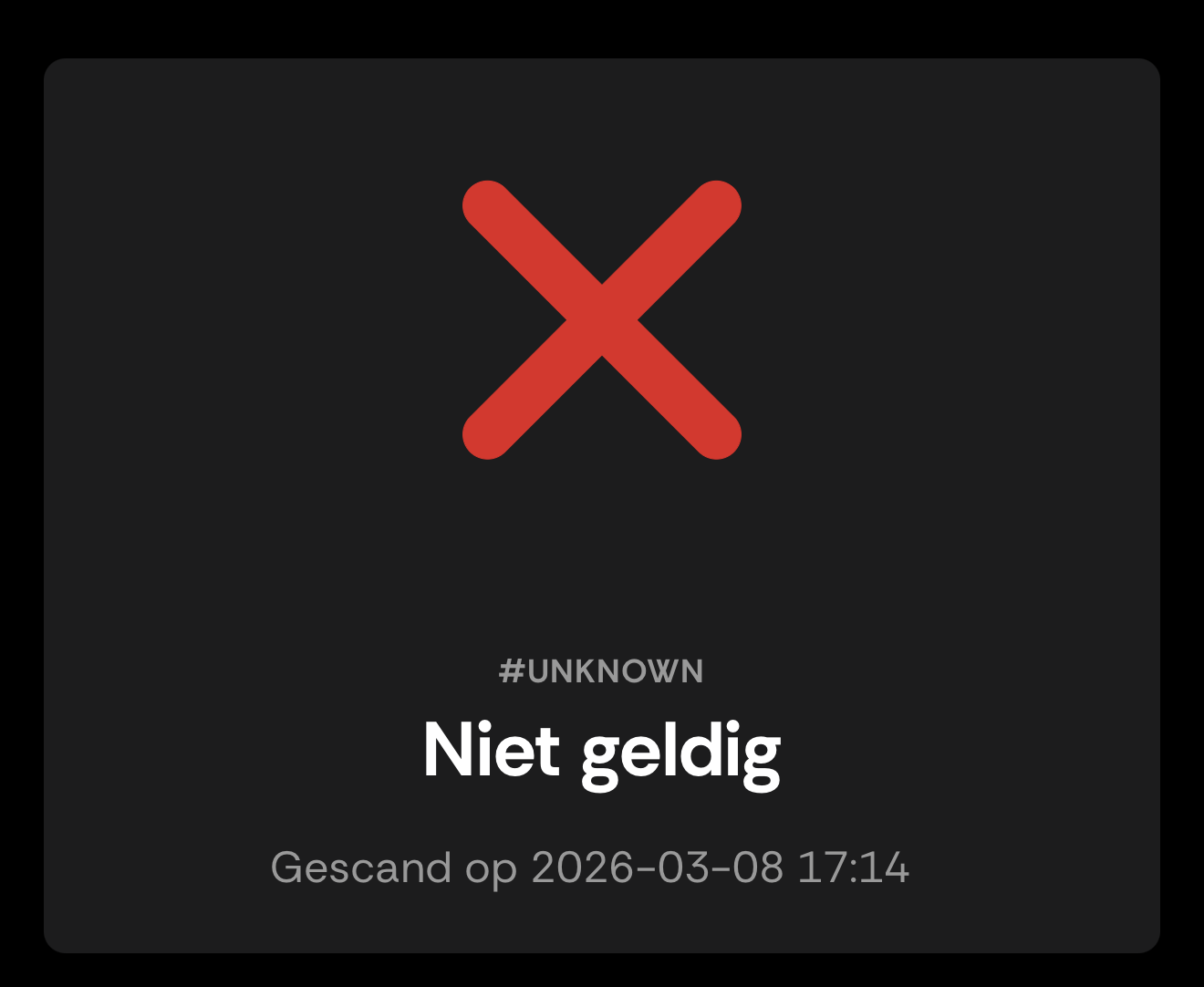
Functional case: ticket invalid / rejected.
Expected: status 99 (not valid), without warning.

Expected Result
Additional scenarios for edge cases and extra coverage.
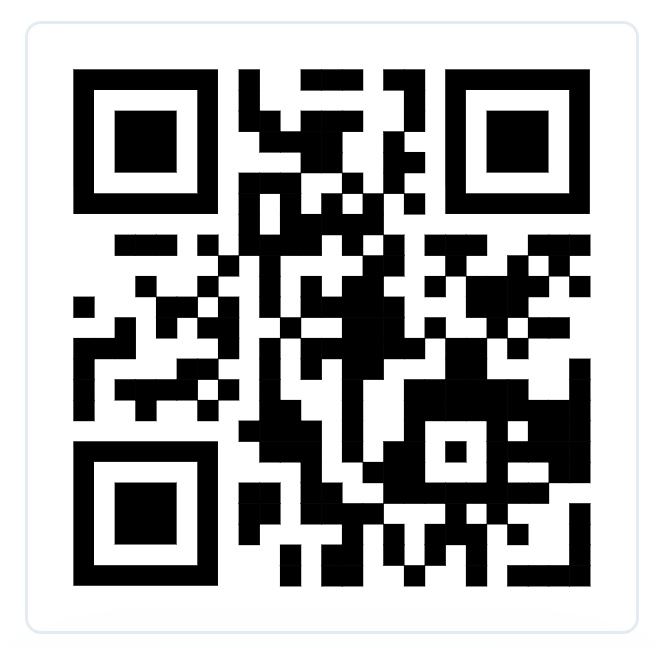
T_21
Functional case: scanned too late (soft warning, timeslot has passed).
Expected on scan:
status 1
with warning
too_late
and actions
accept
,
decline
.
Expected on action:
accept
-> status 1,
decline
-> status 99.
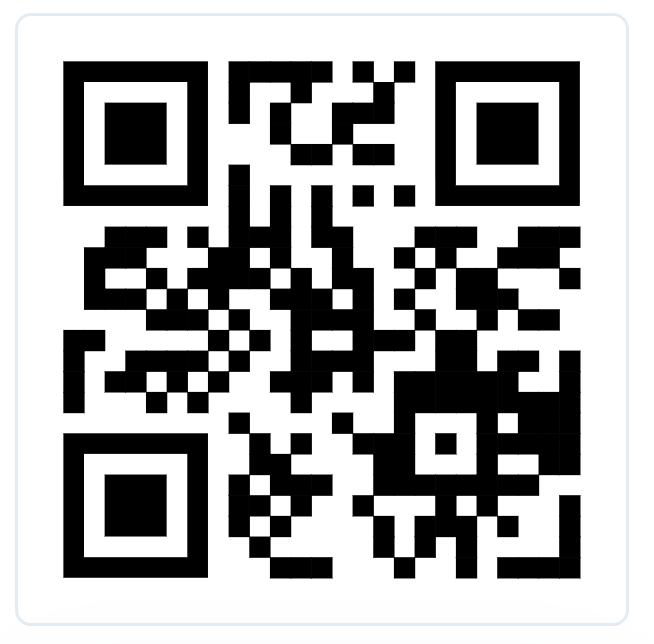
T_96
Functional case: ticket/booking does not exist in the scan context.
Expected: status 96 (does not exist / not found), without follow-up action.
T_97
Functional case: ticket has already been used/validated.
Expected: status 97 (already validated), without warning.
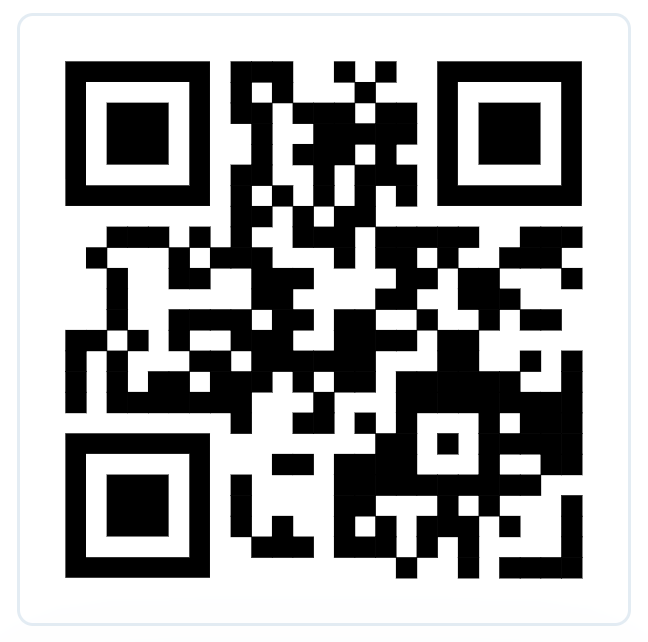
T_98
Functional case: ticket is outside the valid date/time window (hard reject).
Expected: status 98 (not valid now), without action buttons.